Locking Down Your Local AI Agent: An Agent Safehouse Review
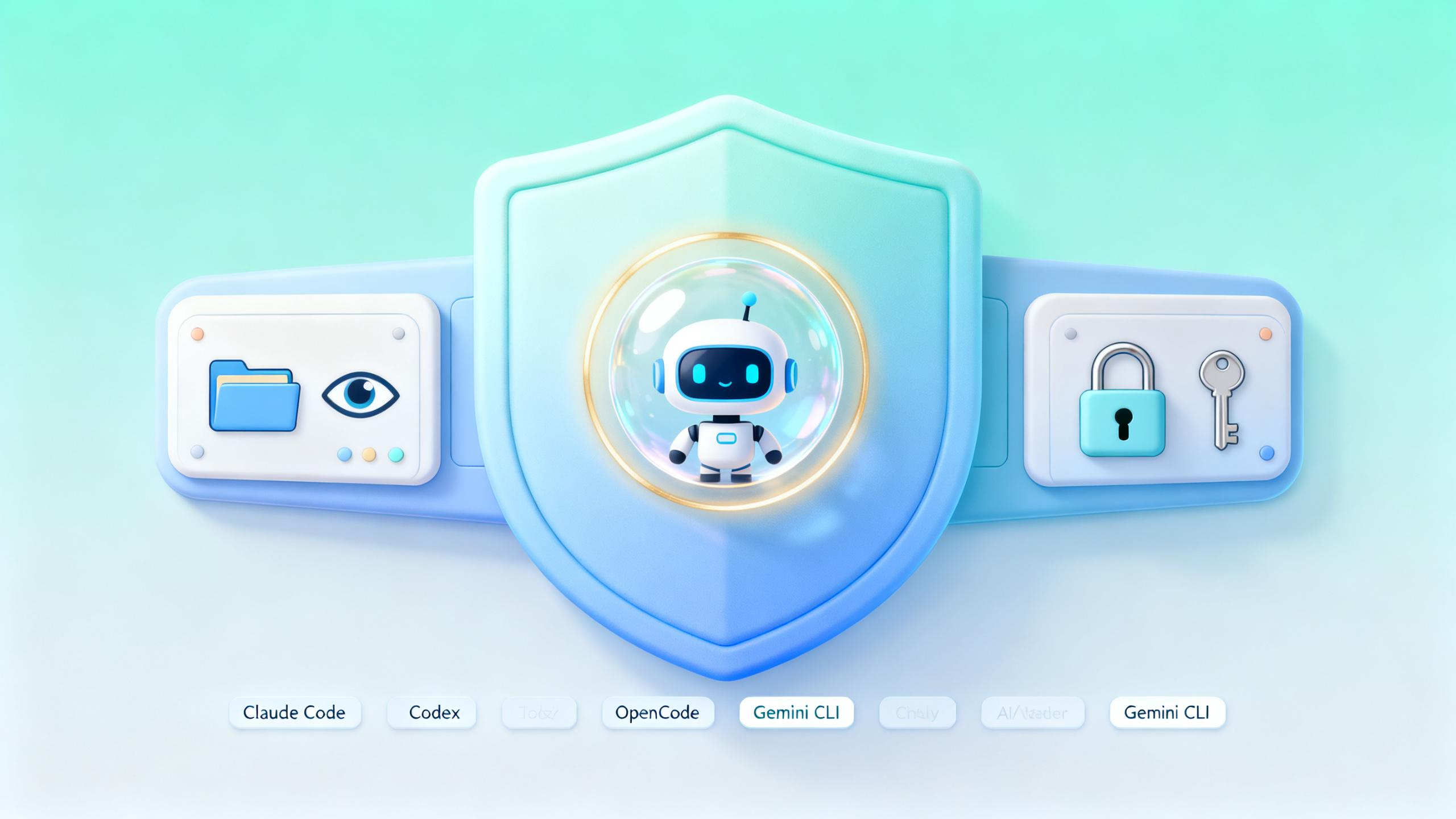
Imagine asking an AI agent to refactor one project, and it accidentally nukes code from a completely different project you just finished. Or worse — you ask it to look at a log file, and it reads every API key sitting in your .env, then cheerfully passes them along to another AI process.
This isn’t science fiction. It happens every day. The probabilistic nature of AI means that even a 1% chance of going wrong will eventually become a certainty over enough uses.
Recently I stumbled onto a tool called Agent Safehouse — it puts a lock on AI agents running on macOS. After two weeks of use, I think it’s worth talking about.
The Problem: What Happens When AI Permissions Run Wild
Most people have had this experience: you tell an AI “only change code in this file, don’t touch anything else,” and it delivers a full-package treatment — modifying 20 files, deleting 3 test files it decided were “useless.”
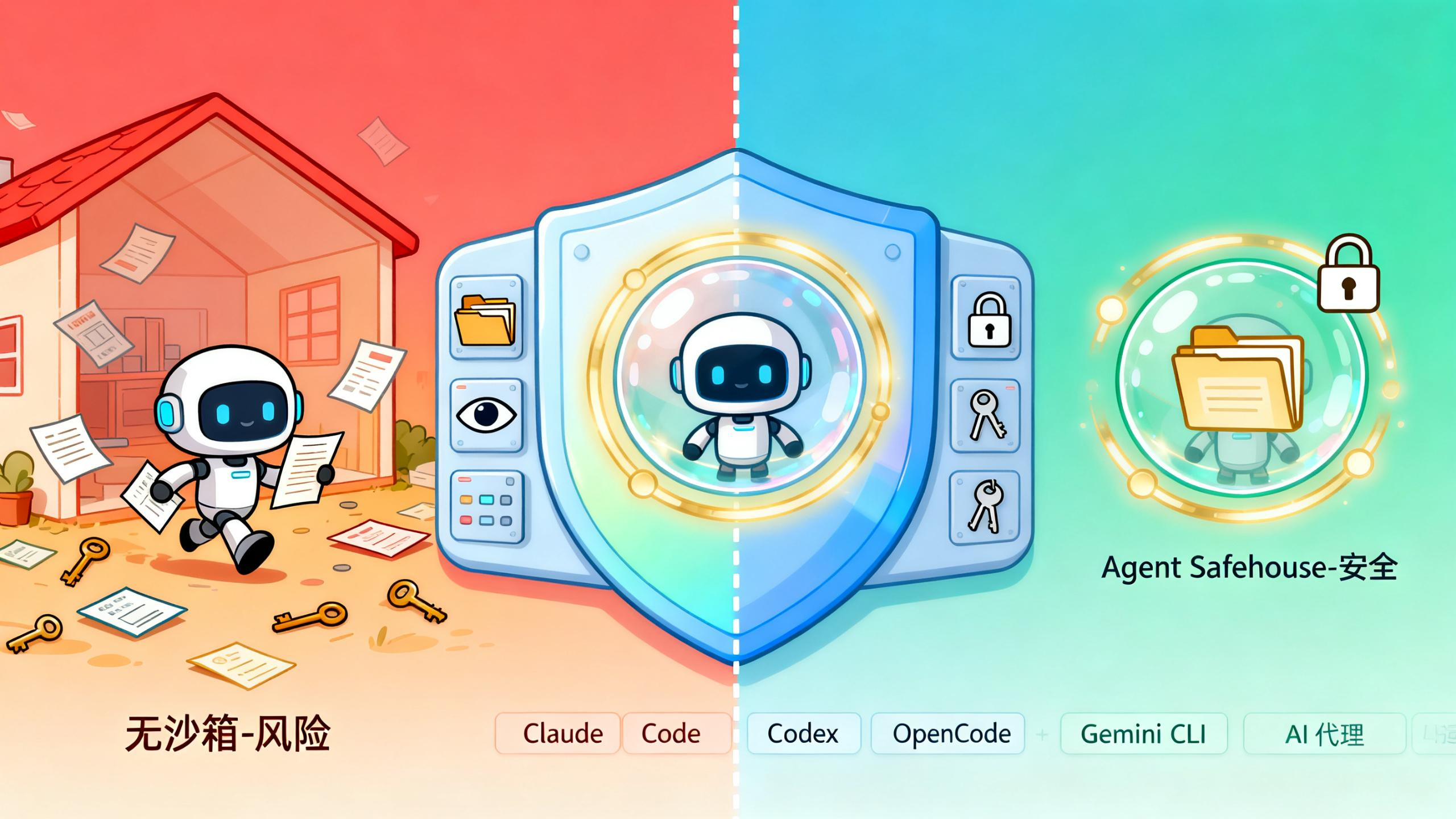
Where does this go wrong? The AI has permissions. It runs under your user account, with access to your entire home directory. When you say “only work on this project,” what the AI actually sees is your whole machine.
Agent Safehouse flips this on its head — default deny, with access only to directories you explicitly authorize.
~/my-project/          READ/WRITE  # current project, go wild
~/shared-lib/          READ-ONLY   # shared library, look but don't touch
~/.ssh/                DENIED      # SSH keys, not a chance
~/.aws/                DENIED      # AWS credentials, door's locked
~/other-repos/         DENIED      # other projects, invisible
The approach is elegant. It doesn’t limit what the AI can do — it locks the doors at the OS level.
Agent Safehouse in Practice
I ran Claude Code inside Safehouse and asked it to read an .env file from one of my other projects.
$ safehouse cat ~/other-project/.env
# cat: /Users/rex/other-project/.env: Operation not permitted
Blocked cold. The kernel intercepted the request before the AI even got a look.
Then I tried listing another Git repo:
$ safehouse ls ~/other-project
# ls: /Users/rex/other-project: Operation not permitted
Same wall. But the current working directory worked perfectly:
$ safehouse ls .
# README.md  src/  package.json  ...
That’s the sweet spot. The AI can do whatever it wants inside your project, but anything outside? Invisible.
Installation and Setup
Installation is almost embarrassingly simple — just a shell script:
# 1. Download safehouse
mkdir -p ~/.local/bin
curl -fsSL https://raw.githubusercontent.com/eugene1g/agent-safehouse/main/dist/safehouse.sh \
  -o ~/.local/bin/safehouse
chmod +x ~/.local/bin/safehouse

# 2. Run your AI inside your project directory
cd ~/projects/my-app
safehouse claude --dangerously-skip-permissions
The official docs also have a lazier approach — add a few functions to your .zshrc:
# From now on, 'claude' automatically runs in the sandbox
claude()   { safehouse claude --dangerously-skip-permissions "$@"; }
codex()    { safehouse codex --dangerously-bypass-approvals-and-sandbox "$@"; }

# Want to run without the sandbox? Use the 'command' prefix
command claude  # bare mode, no sandbox
This way your everyday AI usage is safe by default. Only when you deliberately add command do you bypass it. It’s a sensible default lock for daily workflows.
Supported AI Agents
The project says it’s tested against most mainstream agent tools, and they all work:
- Claude Code / Claude CLI
- Codex
- OpenCode
- Gemini CLI
- Aider
- Goose
- Cursor Agent
- Cline
- And more
I mainly use Claude Code and Codex — no issues in either. The official docs have test reports for each agent if you want specifics.
Who Should Use Agent Safehouse
I think it’s particularly valuable for:
- People juggling multiple projects — you don’t want AI doing “cross-project refactoring” on its own
- Anyone with credentials in their project directories —
.env,.aws/,.ssh/really shouldn’t be visible to the AI - People who let AI run risky operations — file deletion, executing commands, that sort of thing
- Anyone with a zero-tolerance mindset — even a 1% chance is too high
If you only occasionally ask AI to write a small script, you might not feel the difference. But if you’re collaborating with AI every single day, this thing quietly earns its keep.
A Few Thoughts
People have talked about security for years. Everyone knows to be careful. The problem is — manually configuring permissions and setting up rules every time is a pain nobody actually does.
Safehouse’s real win is making security the default. You don’t have to remember to configure anything. You just remember: when you don’t want the sandbox, add the command prefix.
That’s good security design: make the safe path the path of least resistance, and make the unsafe path deliberate.
One caveat: this only works on macOS, because it relies on macOS’s native sandbox-exec mechanism. Linux and Windows users are out of luck for now.
For macOS users though, it’s a genuinely useful little tool. Free, open source, ready the moment you download it.
FAQ
Q: Does Agent Safehouse support Linux or Windows?
A: macOS only for now — it relies on the native sandbox-exec mechanism. Linux and Windows users should watch the official repo for updates.
Q: Will using Safehouse limit what my AI can do? A: Barely. The AI operates normally within your authorized directories. It’s effectively the same experience as running inside that directory, minus any reach into your broader filesystem.
Q: Is it free? A: Free and open source, Apache 2.0. Use it, fork it, ship it — no strings attached.
Website: https://agent-safehouse.dev/ GitHub: https://github.com/eugene1g/agent-safehouse