90 Seconds of Waiting, Gone: How oMLX Buries Ollama on Mac

Table of Contents
- 01 Why Coding Agents Are So Slow (Before oMLX)
- 02 oMLX’s Solution: Give the Chef Two Fridges
- 03 How Much Time Does This Save in Real Scenarios?
- 04 Under the Hood: MLX Is the Unsung Hero
- 05 Continuous Batching: Not Faster — More at Once
- 06 Ollama vs oMLX: It’s Not Either/Or
- 07 How Hard Is It to Get Started?
Before oMLX came along, running a local LLM on a Mac meant most people ended up with Ollama. Then came the staring contest with the progress bar. 30 seconds, nothing. 60 seconds, still quiet. 90 seconds — finally, the first line of code appears.
It feels like waiting in line at an all-you-can-eat buffet when the restaurant is completely empty. You just cannot get in.
Ollama is practically the default choice for running LLMs locally on Mac. Install it, pick a model, two commands and you’re off — genuinely simple. But the moment you try hooking it into Claude Code, Cursor, or any other Agent tool, things go sideways.
Once the context gets long, Ollama’s responses slow down like they’re in slow motion.
01 Why Coding Agents Are So Slow (Before oMLX)
You might think it’s the model. It’s not.
What actually bottlenecks you is the Prefill stage — before the model starts “speaking,” it has to compute your entire context from scratch. That’s 50,000 tokens of conversation history, recalculated every single time.
Think of a librarian who, every time someone walks in to borrow a book, re-copies the entire library catalog by hand. Even if they finished copying it last month.
This hits Agents especially hard. Agents work in loops — they run a tool, get a result, stuff it back into context, then ask the model to think about the next step. That cycle means Prefill happens over and over again.
Ollama’s KV cache — the mechanism that stores already-computed states — lives only in RAM by default. RAM fills up? Cache gets wiped. Next time, start from scratch.
So those 90 seconds you’re waiting for? The model is doing exactly what a chef would do if, every time you ordered the same dish, they re-washed the vegetables and re-read the recipe.
02 oMLX’s Solution: Give the Chef Two Fridges
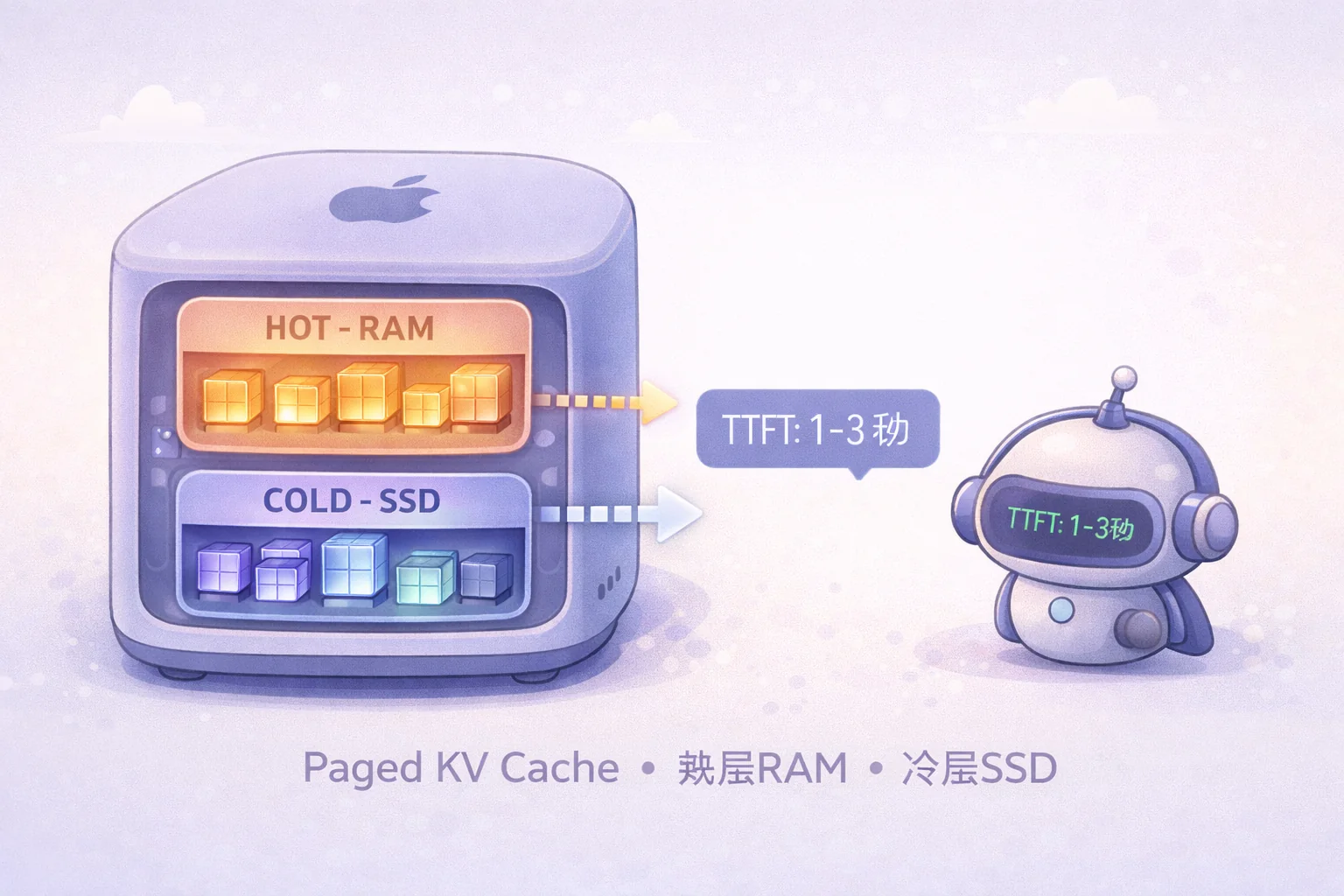
oMLX’s core innovation is called Paged SSD KV Cache — think of it as a tiered memory system.
It takes inspiration from vLLM’s PagedAttention, but applies it specifically to Mac hardware.
Picture your kitchen storage setup: frequently-used ingredients go in a container on the counter (the hot tier, RAM), while less-used items go in the basement freezer (the cold tier, SSD).
oMLX splits KV cache blocks into two tiers:
Hot tier sits in RAM, fastest reads, holding the most recent and most frequently accessed computation states.
Cold tier lives on SSD, practically unlimited capacity, holding the cache blocks that got bumped out. Stored in safetensors format — fast and secure.
The key moment: when the Agent returns to a context prefix it’s seen before, oMLX simply retrieves the cached block from SSD and skips the Prefill entirely.
“Each KV cache block is persisted to disk. When a prefix shows up again, it restores from SSD instead of recomputing. In practice, subsequent TTFT dropped from 30-90 seconds to 1-3 seconds.” — jundot, oMLX author
The really wild part: this cache survives server restarts. You save state at the end of the workday, come back the next morning, and the Agent is still right where you left it.
03 How Much Time Does This Save in Real Scenarios?
Let’s do the math.
One Agent development task, 30 iterations. With Ollama, each Prefill takes 60 seconds — 30 minutes of pure waiting.
With oMLX, first iteration cold-starts in 10 seconds, the remaining 29 iterations take 2 seconds each. Total: under 70 seconds.
30 minutes becomes 70 seconds. That’s a 25x difference.
This is what flips a Coding Agent from “barely usable” to “genuinely worth using.”
04 Under the Hood: MLX Is the Unsung Hero
oMLX runs on Apple’s officially open-sourced MLX framework. Ollama’s engine, by contrast, is llama.cpp + GGUF format.
What’s the difference?
Apple Silicon has a unique trick called Unified Memory Architecture — the CPU, GPU, and Neural Engine all share the same physical memory pool. No copying data between “VRAM” and “RAM” like on a traditional PC.
MLX arrays are allocated directly in unified memory. CPU and GPU read and write the same memory region. Zero cross-memory copies.
llama.cpp does support Metal acceleration, but it’s a cross-platform project at its core, still following the traditional PC memory model. On Mac, it’s operating at a structural disadvantage.
Concrete comparison: for the same model, MLX’s token generation speed is typically 1.5x to 2x that of GGUF.
This isn’t a micro-optimization. It’s a native architectural advantage.
05 Continuous Batching: Not Faster — More at Once
oMLX also includes mlx-lm’s BatchGenerator, enabling Continuous Batching — the kind of thing you’d expect to see in enterprise LLM serving infrastructure.
Regular inference servers handle one request at a time. Everyone else waits in line.
Continuous Batching interleaves the Prefill and Generation stages of multiple concurrent requests, keeping the GPU busy on every single cycle.
Real benchmark data (Qwen3.5-122B, M3 Ultra 512GB):
| Concurrency | Token Generation Speed | Relative Throughput |
|---|---|---|
| 1x | 56.6 tok/s | 1.00x |
| 4x | 135.1 tok/s | 2.39x |
| 8x | 190.2 tok/s | 3.36x |
Eight concurrent requests hitting the system at once, and GPU throughput jumps to 3.36x original.
This isn’t making you individually faster. It’s making sure a whole room of people doesn’t have to queue up.
06 Ollama vs oMLX: It’s Not Either/Or
All the praise for oMLX doesn’t mean Ollama is useless.
No absolute right or wrong here — just a question of fit.
Choose Ollama if: you only use local LLMs occasionally for emails or translations, no Agent loops needed, and you want the largest model library.
Choose oMLX if: you’re a heavy Coding Agent user running long-context tasks on Mac and don’t mind dealing with version stability.
| Ollama | oMLX | |
|---|---|---|
| Hardware | Cross-platform | Apple Silicon only |
| Install | brew install ollama | menu bar app or source |
| Model format | GGUF | MLX |
| KV cache | RAM only | RAM + SSD tiered |
| Throughput | Limited | Continuous batching |
| Model ecosystem | Massive | mlx-lm ecosystem |
| API compatibility | OpenAI | OpenAI + Anthropic |
Both support OpenAI-compatible APIs — switching between Claude Code or Cursor requires changing just one line for the endpoint.
07 How Hard Is It to Get Started?
oMLX ships as a native macOS menu bar app (built with PyObjC, no Electron), so once it’s installed, it’s point-and-click.
It comes with a built-in model downloader, a web monitoring dashboard (/admin), and a one-click setup wizard for Claude Code integration.
Minimum requirements: macOS 15+, Apple Silicon M1 or later, 64GB+ RAM recommended. Running 4-bit quantized Qwen3.5-122B or similar large models on a 32GB machine will be rough.
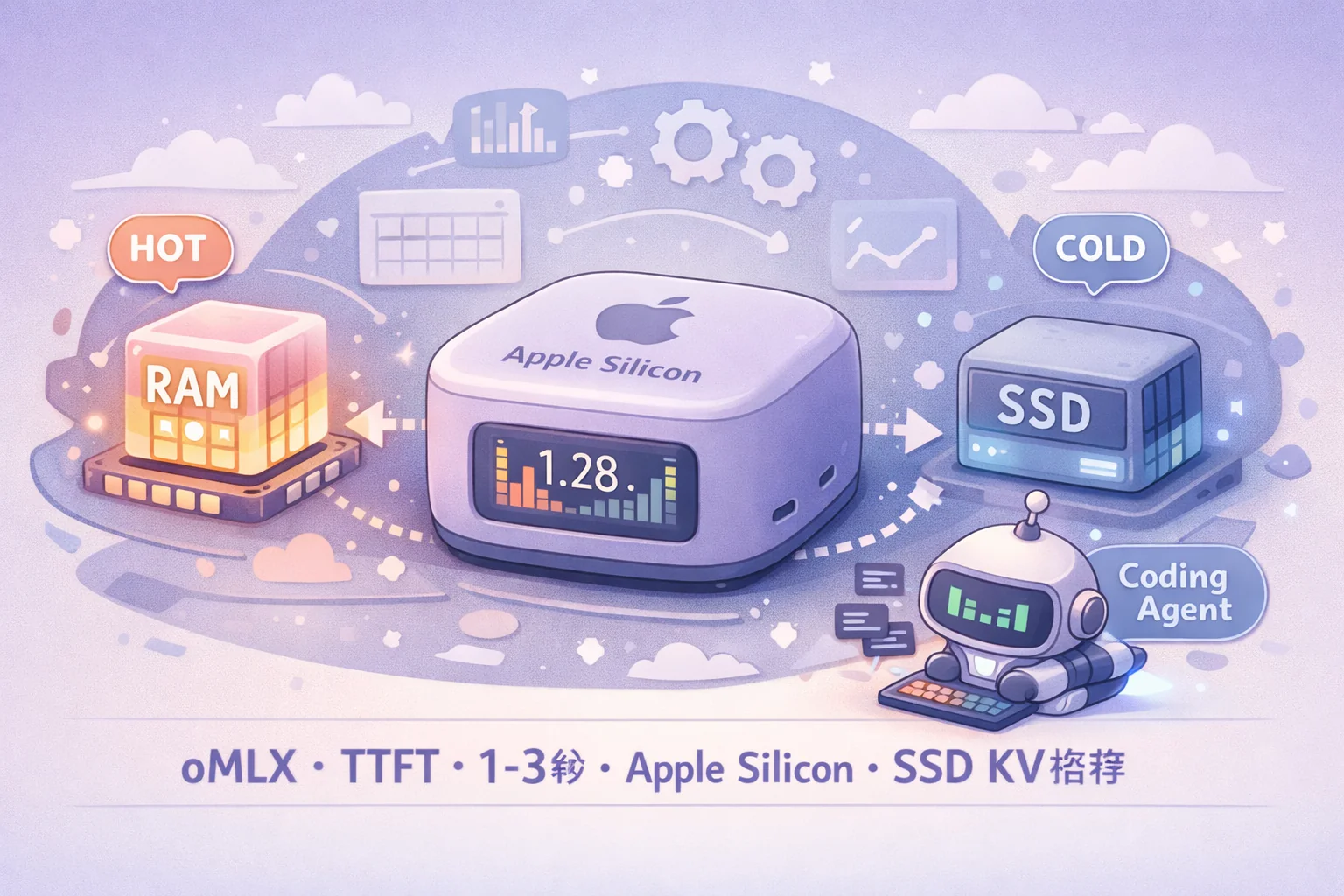
Running LLMs locally on Apple Silicon has always felt a bit “technically possible but unsatisfying.” oMLX took out the core bottlenecks: unified memory squeezed every drop of hardware performance, SSD cache eliminated redundant computation, continuous batching maxed out throughput.
For developers using Mac for AI coding work, this might be the closest thing to a “smooth” local LLM experience available right now.