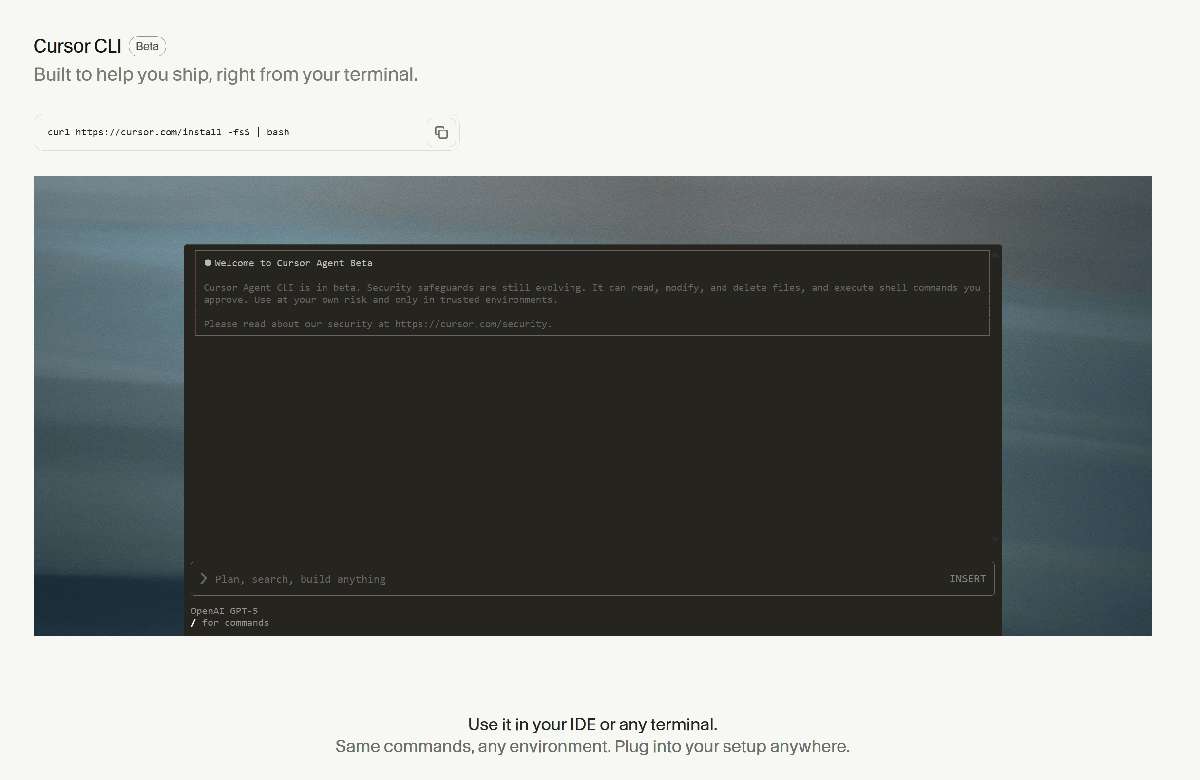
Stop copy-pasting. Cursor CLI lets you team up with AI right inside your terminal.
Let me guess your daily routine.
You’re SSH’ed into a remote server, staring at logs, and finally pin down a production bug. The code is right there, but you can’t do much. Your fancy AI helpers in VSCode or JetBrains only live on your local machine—out of reach when you need them most.
So you open a browser to ask ChatGPT, carefully copy-paste code into that tiny black window, terrified that an extra space or missing semicolon might trigger a disaster.
It feels like a sharpshooter losing his scope—shooting by feel. Frustrating, right?
What if I told you your terminal—the most primitive yet most powerful tool—is about to grow a brain?
Your terminal, now with a “soul”
Meet today’s star: Cursor CLI.
Put simply, the team behind the legendary AI IDE Cursor did another wild thing: they put a powerful AI Agent right into your command line.
This isn’t just a tool. It’s your personal J.A.R.V.I.S. living in the terminal. You’re no longer typing lonely commands—you’re working with a partner that understands intent, generates code, reviews bugs, and even executes commands for you.
Whether you’re in local zsh, an integrated terminal in VSCode, a JetBrains console, or a server far away—if there’s a command line, Cursor CLI can be summoned.
Goodbye context switching, hello flow state
What’s the most precious thing for developers? Flow—the state where your focus and creativity go full throttle.
The biggest flow killer is context switching.
Every time you need AI help, you leave the terminal, open a browser, type a question, copy the answer back… It’s like cooking a complex feast and suddenly realizing there’s no salt—you put on a suit, drive to a store 3km away, and by the time you’re back, the dish is cold and your inspiration is gone.
Cursor CLI is the supermarket that appears right in your kitchen.
Need a Python web scraper? Tell it in the terminal. Want it to check your code for logic issues? Throw it a file path. Want to convert JavaScript to TypeScript? Say the word.
For Vim/Neovim diehards or backend/ops engineers who live on servers, this is a godsend. You never have to leave your most efficient keyboard-driven battlefield to get top-tier AI support.
Show me the power: what can it do?
Talk is cheap—here are the tricks of this “terminal brain”.
1. Chat-style code generation
Forget complex syntax. Just describe what you want like you’re chatting with a teammate.
cursor-agent chat "Write a function that implements quicksort in Python"
In seconds you’ll get clean, efficient code. You can even follow up: “Add detailed comments” or “Convert it to Go”.
2. Your AI file butler
It can create, modify, and read any file in your project—directly.
cursor-agent chat "Create ./src/a.js and write console.log('hello world') into it"
It understands your intentions and interacts with your project structure. That’s real intelligence.
3. A 24/7 code reviewer
Feed it your source files and it will act like a senior architect—spotting potential bugs, anti-patterns, and offering optimizations.
cursor-agent chat "Review a.js and point out any issues"
4. The brain for your automation scripts
Because it’s a CLI-first tool, it slips perfectly into automation workflows. For example, in CI/CD you can add a step to have Cursor CLI perform an AI review before deployment. Imagine the possibilities.
Three steps to wake up your terminal AI
Bring your terminal to life—faster than brewing a coffee.
Step 1: Run the sacred incantation.
curl https://cursor.com/install -fsSL | bash
Step 2: Verify the injection worked.
cursor-agent --version
Step 3: Start chatting. Give your first command!
cursor-agent chat "Hello, world!"
That’s it. From now on, your command line isn’t a dumb executor—it’s an AI partner fighting by your side.
The end of one era, the beginning of another
Cursor CLI isn’t just a new tool.
It’s a signal: AI is moving from the cloud and fancy GUIs into our most fundamental, beloved tool—the terminal.
We’re witnessing a new era. Our interaction with machines is being rewritten. The command line, that “old” interface, is glowing with new life thanks to AI.
So stop hesitating. Give your terminal this brain and feel what real nuclear-level productivity feels like.
Follow Dream Beast Programming on WeChat for more cutting-edge tricks.