I Rewrote Our Python Data Pipeline in Rust: 3 Hours to 4 Minutes, 40x Faster
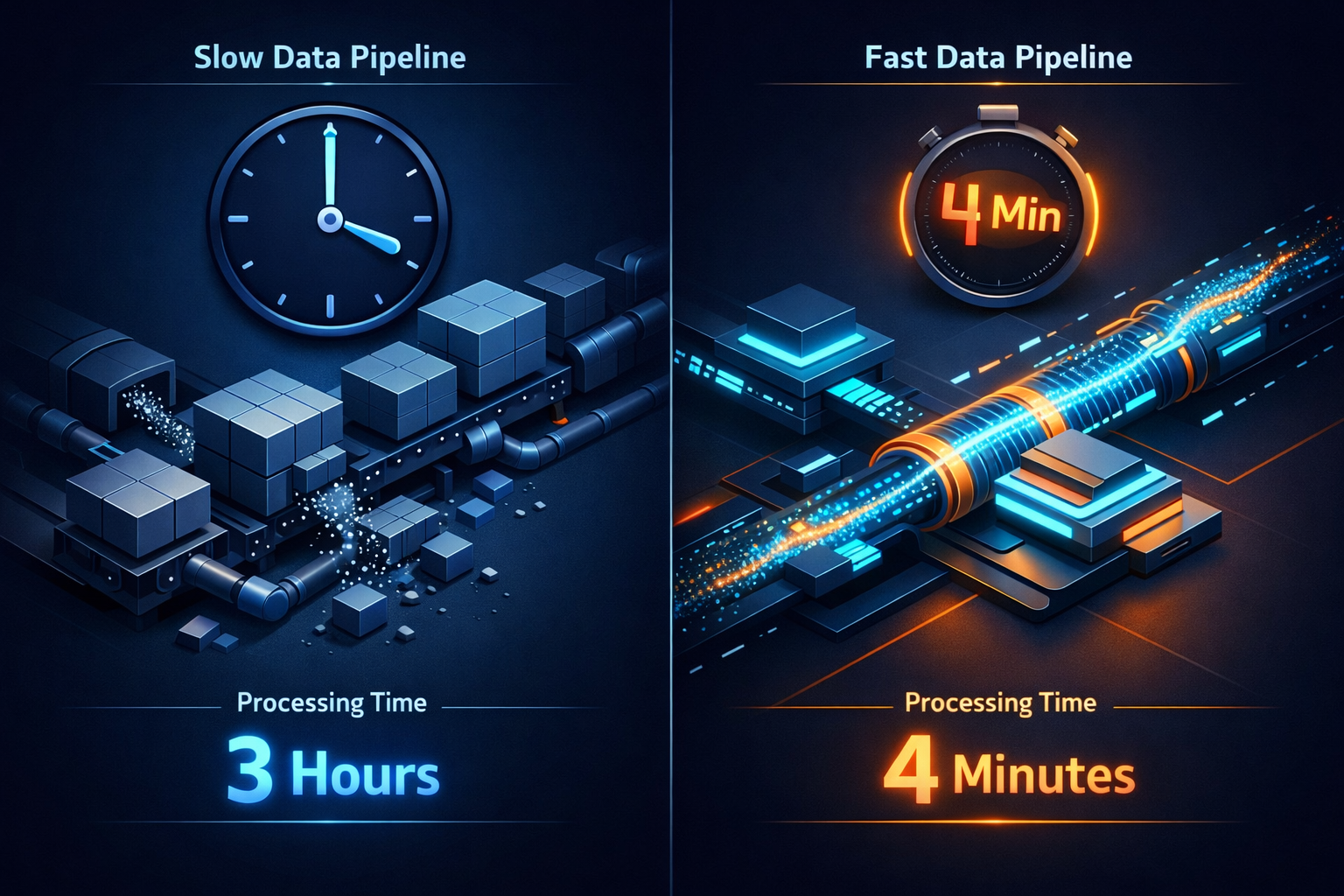
Table of Contents
The Data Pipeline Was Slowly Dying
Not the dramatic kind of crash—more like watching paint dry while your server bill climbs steadily higher. Every morning at 6 AM, our Python script would wake up and begin its three-hour journey processing 50GB of CSV files. By 9 AM, it would finally finish, having consumed 12GB of memory, costing us thousands each month in server fees. I put up with this for eight months.
Then one Friday, my boss asked: “Can we switch to processing hourly instead of daily?” I laughed. Then I realized he was serious.
That weekend, I rewrote the entire pipeline in Rust with DuckDB. Monday morning, the same job finished in 4 and a half minutes using 600MB of memory. Let me tell you how this happened.
The Python Pipeline That Couldn’t Keep Up
Let me show you what our original code looked like—it seems innocent enough:
import pandas as pd
import glob

files = glob.glob("data/*.csv")
dfs = [pd.read_csv(f) for f in files]
df = pd.concat(dfs, ignore_index=True)

df = df.dropna()
df['date'] = pd.to_datetime(df['date'], errors='coerce')

df = df[df['quantity'] > 100]
result = df.groupby('product_id')['revenue'].mean()

result.to_parquet('output.parquet')
Clean code, readable, but in production it was a nightmare. The problem lies in Pandas’ “eager loading”—while we could try complex chunking strategies or manual memory management, Python ultimately tries to load all 50GB of raw data from 200+ files into memory. Before the CPU even becomes the bottleneck, Python’s memory model and execution mechanism break down. As data grows, Python doesn’t just slow down—it starts thrashing the disk with swap, then crashes our smaller cloud servers entirely.
“Just Use Spark”—That Topic
Before you comment, yes, we considered Spark. We even tried it. Spark works, but it means: running a cluster (at least 3 nodes for stability), learning JVM tuning and Spark’s execution model, paying for infrastructure even when idle, and adding another layer of complexity.
For our use case—a straightforward ETL task that needs to run fast but doesn’t need distribution—Spark is using a rocket launcher to kill mosquitoes. What we needed was: runs on a single machine, doesn’t waste resources, finishes before my first cup of coffee gets cold.
Enter Rust + DuckDB
I’d been hearing about DuckDB, the “SQLite of analytics.” It promises to deliver faster performance using a fraction of the memory that Pandas requires. But DuckDB alone wasn’t enough—I needed to orchestrate the entire pipeline, handle errors gracefully, and maintain business logic. That’s where Rust comes in. The new pipeline looks like this:
use duckdb::{params, Connection, Result};

fn main() -> Result<()> {
    let conn = Connection::open("analytics.db")?;

    conn.execute("
        SELECT
            product_id,
            AVG(revenue) as avg_revenue
        FROM read_csv_auto('data/*.csv')
        WHERE quantity > 100
        GROUP BY product_id
    ", params![])?;

    let mut stmt = conn.prepare(
        "COPY (SELECT * FROM results) TO 'output.parquet' (FORMAT PARQUET)"
    )?;
    stmt.execute(params![])?;

    Ok(())
}
The orchestration code shrunk dramatically—most of the heavy lifting is handled by DuckDB’s execution engine. But here’s the magic: DuckDB doesn’t load everything into memory. It streams data, processes in chunks, and uses columnar storage to optimize analytical queries.
The Numbers Don’t Lie
I ran both pipelines on production data, same data, same machine (8-core, 16GB cloud server), five runs each:
Python + Pandas: Average time 2 hours 47 minutes, peak memory 11.8 GB, CPU usage 95% (single core)
Rust + DuckDB: Average time 4 minutes 12 seconds, peak memory 580 MB, CPU usage 85% (multi-core)
The improvement? 40x faster, 95% memory savings. This is the power of Rust performance optimization. But what really surprised me was the cost—our “hourly processing” suddenly became possible. A pipeline that used to take three hours now finishes in under five minutes. We went from daily batch processing to real-time insights.
Why DuckDB Is the Secret Weapon
DuckDB isn’t just fast—it’s smart. When you write read_csv_auto('*.csv'), DuckDB automatically detects the schema (no more dtype headaches), reads only the columns needed (columnar processing), automatically parallelizes across CPU cores (you do nothing), and streams data in chunks (constant memory usage). Compare that to Pandas, which loads everything into memory first, then starts processing.
Here’s a concrete example. This DuckDB query:
SELECT
    product_id,
    AVG(revenue) as avg_revenue
FROM read_csv_auto('data/*.csv')
WHERE quantity > 100
GROUP BY product_id
In Pandas, you’d write:
# First load all files into memory
dfs = [pd.read_csv(f) for f in files]
combined = pd.concat(dfs)

# Then filter and aggregate
result = combined[combined['quantity'] > 100] \
    .groupby('product_id')['revenue'] \
    .mean()
DuckDB processes this without loading the entire dataset into memory—it reads, filters, and aggregates in a single streaming pass.

The Rust Learning Curve (Let’s Be Honest)
I won’t pretend Rust is easy. The borrow checker yelled at me for two days straight. Error handling with Result<T> felt verbose. I missed Python’s duck typing. But here’s what I gained: memory safety without garbage collection—no more random performance hiccups when Python’s GC decides to kick in mid-processing; fearless concurrency—when I needed to add parallel file validation, Rust’s type system caught race conditions at compile time; zero-cost abstractions—the code reads cleanly, but compiles to machine code that rivals hand-optimized C.
After a week, I stopped fighting the compiler and started trusting it. Every error message became a lesson in writing better code.
Handling Real-World Dirty Data
Production data is never clean. Our CSVs had inconsistent date formats, missing values, corrupted rows, and new files appearing mid-processing. The Rust version handles this gracefully—DuckDB’s ignore_errors parameter means corrupted rows get skipped instead of crashing the entire pipeline; files appearing during processing? The glob pattern 'data/*.csv' picks them up on the next run automatically, no complex file monitoring needed.
Migration Strategy
We didn’t flip a switch overnight. Here’s how we actually rolled it out: Week 1, build the Rust pipeline and validate that outputs match the Python version exactly; Week 2, run both pipelines in parallel, comparing results daily; Week 3, Rust pipeline goes primary, Python becomes backup; Week 4, decommission the Python pipeline. The key was byte-level output comparison—I wrote a simple validator. This gave us confidence. When stakeholders asked “Are you sure this thing works?” I just showed them the validation reports.
If I Could Do It Again
If I were starting today, I would: Try DuckDB in Python first—you can use DuckDB in Python (import duckdb), get the performance gains without rewriting everything; Profile before optimizing—I thought I knew where the bottleneck was, but profiling revealed a surprise: 30% of time was spent on date parsing; Invest in logging early—Rust’s tracing crate is powerful, but I added it too late. Debugging without proper logs was painful; Write integration tests from day one—unit tests are great, but for data pipelines, you need end-to-end validation.
Final Thoughts
This isn’t about Rust vs Python or bashing Pandas—both tools excel in their domains. But when you’re repeatedly processing tens of gigabytes of data, the performance gap matters—for your server bill, for your team’s productivity, for users waiting on fresh data.
The Rust + DuckDB combination gave us: 40x processing speed improvement (hours to minutes), 95% memory savings (12GB to 600MB), 67% cost reduction (smaller instances, shorter runtimes), and real-time update capability (daily to hourly). More importantly, this optimization freed up my mental bandwidth. No more watching failing ETL jobs. No more explaining why reports were delayed again.
Would I rewrite everything in Rust? No. But for data-intensive ETL pipelines that run repeatedly, this performance optimization combo is hard to beat.
If you want to try this yourself, start with DuckDB in Python. Swap your pd.read_csv() for DuckDB’s read_csv_auto(). You don’t have to rewrite everything—the performance gains are immediate.
Found this useful? Give it a like so more people can see it. Know a colleague still suffering through slow data pipelines? Share it with them. Follow for more content like this. How long does your data pipeline take to run? Drop a comment—maybe your story will be the next one I write about.