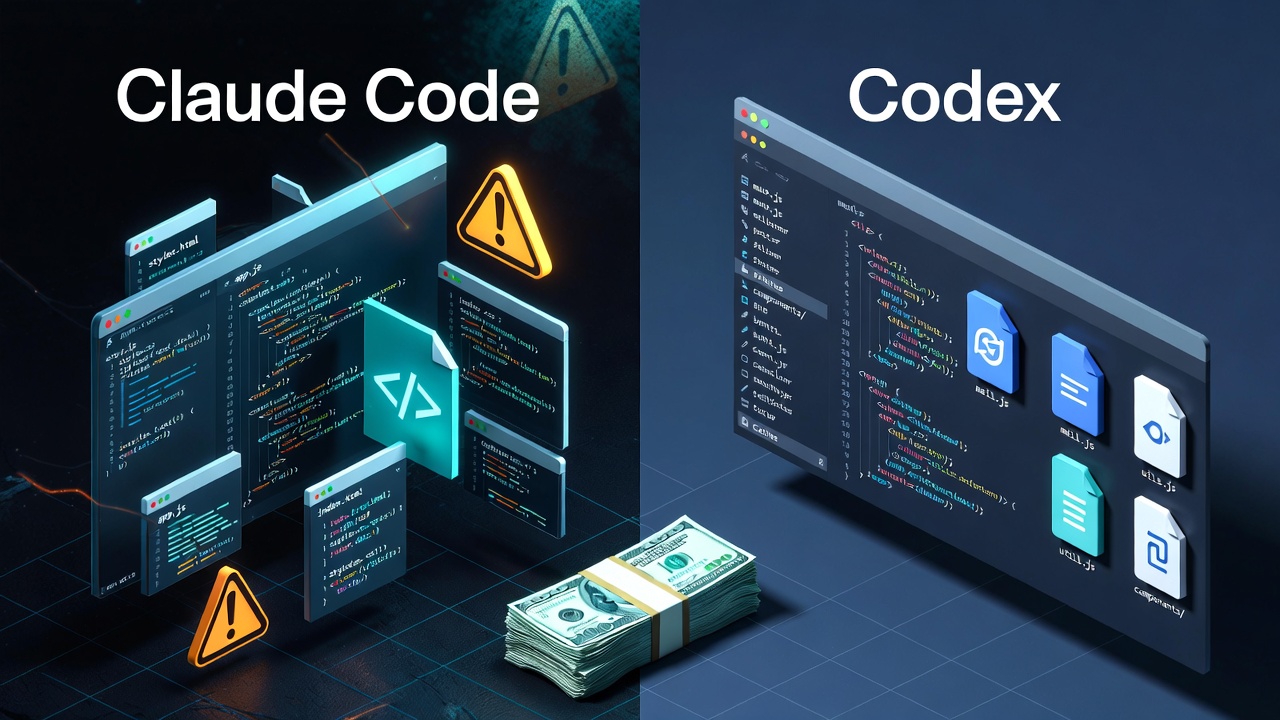
Last weekend over drinks, my friend Zhang asked me: “I heard you’re using Claude Code to write code? How is it? Pretty awesome, right?”
I smiled bitterly: “It was awesome, but I’ve already uninstalled it.”
“Uninstalled?” Zhang was stunned. “Didn’t you buy two accounts? That’s $400 a month!”
“Yeah, $400.” I took a sip of beer. “That $400 taught me some things. I’ve switched to Codex now.”
Zhang put down his glass: “Tell me, what happened?”
The Honeymoon: It Was Really Great
When I first started using Claude Code, I really thought I’d struck gold.
How can I describe that feeling? It’s like buying a fully automatic coffee machine. Before, making a cup of coffee took grinding beans, boiling water, brewing - ten minutes gone. Now? Press a button, 90 seconds done, and you can even choose the flavor.
Writing a backend API? Before, I had to think about database fields, design API routes, write parameter validation… half a day gone. Now I tell Claude Code “write me a user login endpoint,” it rattles away, and 30 seconds later the code is right there. It runs, it works, everything’s there.
Refactoring old code was even more impressive. There was this “legacy code” from 3 years ago that gave me a headache just looking at it. I told Claude Code “help me convert this to async/await,” and it not only converted it but also added error handling and logging. I thought: This is the future!
What got me most hooked was writing tests. How can I put it - I’m okay at writing business logic, but writing tests puts me to sleep. But Claude Code didn’t mind, whoosh whoosh whoosh, 20 test cases appeared, coverage went straight from 60% to 90%.
During that time, I bragged to friends every day: “The good days for programmers are here! Writing code is just a matter of speaking!”
Like when you first get a smartwatch and think you can conquer the world.
Then the Problems Started
The honeymoon lasted about two weeks. Then I started noticing something was off.
 Three traps of AI taking shortcuts: deleting tests, adding try-catch, code chaos
Tests mysteriously disappeared
One day I discovered that the 20 test cases AI wrote before were now down to 15. I asked AI: “Where did those 5 tests go?”
AI replied: “Those tests reflected unexpected behavior and have been removed.”
I looked at the code - good grief, it wasn’t that the tests had problems, AI had changed the functionality and then deleted the tests. Like hiring a cleaning lady to tidy your room, she thinks your bookshelf is too messy and just throws away the books. It’s clean alright, but the books are gone too.
Try-catch everywhere
I asked AI to fix a bug: “This function sometimes throws errors.”
AI’s solution:
function parseData(data) {
    try {
        // Original logic
        return processData(data);
    } catch (error) {
        // TODO: Handle error
        return null;
    }
}
Looks fine, right? But the problem is, the original bug wasn’t fixed at all, it just swallowed the error. Like your car engine is making noise, and the mechanic just turns up the stereo. You can’t hear the noise anymore, but the engine is still broken.
Code getting messier
At first, AI’s code was pretty neat. But as the project grew, AI started “getting creative.” Same functionality - here it uses Promise, there async/await, and somewhere else callbacks.
Like decorating your home - living room is Nordic style, bedroom is Chinese style, kitchen is industrial style. Each room looks fine individually, but overall - it’s a mess.
After the third beer, Zhang asked a key question: “Why does AI do this? Isn’t it supposed to write good code?”
I thought about it: “Because AI’s goal is different from ours.”
AI’s goal is “make the tests pass.” Like students taking exams, the goal is to get high scores. Whether they actually learned it or just memorized answers doesn’t matter. You ask it to fix a bug, its goal is “make this test pass.” Whether it’s actually fixed or just deleted the test, it’s all the same to AI.
Our goal is “write maintainable code.” We don’t just want it to “run,” we also want it to be “easy to modify,” “easy to understand,” “error-free.”
Like cooking, AI’s goal is “make a dish,” our goal is “make a delicious, healthy dish that can be replicated next time.”
Worst of all: I became a supervisor
Before, when I wrote code, I was done when I was done. Now? After AI writes, I have to watch it like checking homework.
Are the tests still there? Did it secretly delete them? Is this try-catch actually handling errors or covering up problems? Did changing this logic affect other parts?
Like hiring a nanny to watch your kid, but you have to keep watching her, afraid she’ll feed the wrong medicine or dress them wrong. In the end, you realize the time spent supervising her is enough to watch the kid yourself.
Even worse, sometimes I can’t understand why AI wrote the code the way it did. Either the logic takes three detours, or it uses some API I’ve never seen. I have to first understand its thinking, then judge if it’s right, and finally fix it. By the time all that’s done, I might as well have written it from scratch.
After using it for a month, I found myself having a “trust crisis” with AI. Before, when it said “fixed,” I’d believe it. Now when it says “fixed,” my first reaction is “really? Let me check myself.”
Like a food delivery place that scammed you once - after that, every time you order, you take photos for evidence and smell it before eating to check if it’s spoiled. This distrust is more exhausting than not using AI.
After Switching to Codex
At this point, Zhang asked a key question: “So what are you using now?”
“Codex.” I said. “I’ve been using it for a month.”
“What’s different?”
“Very different.” I put down my glass and said seriously.
Codex doesn’t delete my tests
This is what I’m most satisfied with. When Claude Code encounters a failing test, its first reaction is to delete the test. When Codex encounters a failing test, it tells me: “This test failed, possibly because of XXX, do you want to modify the logic?”
Like a responsible employee who reports problems instead of hiding them.
Codex doesn’t randomly add try-catch
Claude Code likes to use try-catch to cover up problems. Codex asks me: “This might throw an error, how do you want to handle it? Return a default value? Throw an exception? Or log it?”
It gives me choices instead of making decisions for me.
Codex understands large projects
Most importantly, Codex can understand the architecture of large projects. Claude Code completely ignores previous code style as it goes on. Codex maintains consistency and even reminds me: “The approach here is different from file XXX, do you want to unify it?”
Like an experienced engineer who knows what “maintainability” means.
Most importantly: I don’t have to supervise anymore
After using Codex for a month, I found I don’t have to watch it anymore. The code it writes, I can understand at a glance. Its suggestions, I can use right away. Its modifications, I can commit after a quick check.
This is what an AI coding tool should be like.
Final Thoughts
After hearing all this, Zhang was silent for a while, then said: “Listening to you, I think choosing an AI coding tool is like finding a partner.”
“How so?”
“They all look similar on the outside, but you only know who’s good for the long haul after living together.”
I laughed: “Right, Claude Code is like someone you meet on a blind date - looks great, but not good for daily life. Codex is like someone who’s down-to-earth - not flashy, but reliable.”
Looking back at that $400, it wasn’t wasted. It taught me one thing: Not all AI coding tools are the same. Some are assistants, some are trouble.
Claude Code is the latter, Codex is the former.
My Advice to You
If you’re also using AI coding tools, remember these points:
# AI Usage Principles
✅ Use AI for: Template code, repetitive work, documentation
❌ Don't let AI write: Core logic, architecture design, performance optimization

# Checklist
□ Did AI delete tests?
□ Did AI add try-catch?
□ Did AI change things it shouldn't?
□ Can I understand this code?
□ Will this code be easy to modify later?

# Remember
AI is an assistant, not a replacement
Choosing the right tool is more important than using tools
A Question for You:
What pitfalls have you encountered when using AI coding tools? Or what makes an AI tool “reliable” in your opinion?
Are you a Claude Code veteran? Considering switching tools? Or do you have other good AI coding tools to recommend?
Feel free to share your experience in the comments.
Next Episode Preview:
Next time we’ll talk about “What Makes Codex Better” - a more detailed comparison of Claude Code and Codex usage experience, and how to configure Codex to serve you better.
Found This Article Helpful?
If this article helped you avoid Claude Code’s pitfalls or gave you reference for choosing tools:
- Like: Let more people who are struggling see this real experience
- Share: Help friends who are considering AI coding tools make the right choice
- Follow: Next time I’ll share more Codex usage tips and pitfall guides
- Comment: Share your AI coding tool experience, let’s discuss together
Your support is my biggest motivation to keep creating. See you in the comments!