Pop!_OS 24.04 is Here: The World's First Rust-Built Desktop Environment

Table of Contents
Three Years in the Making, Rust Desktop Finally Arrives
On December 11, 2025, System76 officially released Pop!_OS 24.04 LTS and the COSMIC desktop environment.
I’ve been using this system for over 3 months because it’s the only Linux distro where you don’t have to struggle with NVIDIA drivers.
Honestly, when I first heard someone was going to write a complete desktop environment from scratch in Rust, my reaction was: “Are these people crazy?” After all, desktop environments are massive undertakings - GNOME and KDE have been at it for over twenty years, with codebases measured in millions of lines. Reinventing the wheel in a relatively young language? Sounds like eating steak with chopsticks - doable, but why?
But System76 actually did it. Three years, about 200,000 lines of Rust code, and they’ve delivered something that commands attention.
What Exactly is COSMIC?
Let’s be clear about one thing: COSMIC is not a theme, not a GNOME fork, and not some skin.
It’s a complete desktop environment written from scratch in Rust. Its own iced toolkit, its own Wayland compositor, every component designed for memory safety from day one.
What’s a good analogy? Imagine your apartment complex has been using a 20-year-old management system. It works, but it’s buggy, and occasionally your packages end up at your neighbor’s door. Now someone says: “Let’s not patch it anymore, let’s rebuild it with modern technology.” That’s what System76 did.

Technical Architecture
COSMIC’s architecture has several layers:
1. Custom Wayland Compositor (cosmic-comp)
No X11 legacy baggage, pure Wayland implementation. This means better security isolation, smoother rendering, and no more dealing with decade-old compatibility patches.
2. iced Toolkit
A cross-platform GUI library that System76 deeply contributed to developing. Responsive design, GPU acceleration, optimized specifically for modern hardware.
3. Memory Safety
Every line of code is Rust. Memory leaks, buffer overflows, use-after-free bugs - those old problems plaguing C/C++ desktop environments? Structurally impossible here. This isn’t theory, it’s engineering reality.
First Impressions: Fast, Really Fast
I ran it in a VM (yes, I didn’t dare risk my main machine on a test release), and the results surprised me:
- Boot to desktop: 8 seconds
- Idle memory usage: 780MB
For comparison, GNOME Shell typically consumes 1.4GB at idle. COSMIC needs roughly half that.
Of course, in the VM environment I did notice some stuttering when opening and closing applications. Not sure if it’s virtualization overhead or a real issue, but I’ve seen some bare-metal users report similar experiences, so it might not be entirely my environment.

Customization: What GNOME Can’t Do, COSMIC Can
GNOME’s philosophy is “simplicity through removal.” System76’s response is “power through options.”
Open the settings app, and you’ll find:
- Dock position: Left, right, top, bottom - your choice
- Panel configuration: Floating, centered, auto-hide - all available
- Window management behavior: Whatever you want
- Theme system: Auto dark/light switching, accent colors only appear on selected elements (not splashed everywhere like some systems)
I configured my preferred workflow in 10 minutes. Dock at the bottom (can’t help it, macOS habit), Super key opens launcher. On GNOME, this requires three extensions that might break with every update.
There’s also a thoughtful visual density option:
- Spacious: GNOME-style large spacing
- Comfortable: Default, similar to Mint
- Compact: Information-dense
Tiling Windows: The Killer Feature
Honestly, before trying COSMIC, I never cared for tiling window managers. I don’t want every window tiled, I like using my mouse, I like a full desktop environment.
But COSMIC’s approach changed my mind.
Click the tiling applet, click “Tile current workspace,” done. That workspace is now tiled. Every new window auto-tiles. Super + arrow keys navigate between windows, Super + Shift moves windows. You can even drag windows together to create tab groups.
The best part: You can have both tiled and floating workspaces simultaneously.
Workspace 1: Tiled terminal, browser, file manager, and notes app for coding. Workspace 2: Floating windows, VLC fullscreen for video, file browser wherever I want it.
In a tiled workspace, Super + G floats a single window. Need a calculator floating above your tiled layout? Super + G. Press again to tile it back.
After a few hours, I couldn’t live without this feature.
Let’s Talk About the Downsides
Three years of development can’t eliminate all rough edges. Let me be honest about a few issues:
Native Apps Are Basic
COSMIC’s bundled apps are simple. The file manager has grid view, list view, tabs, basic search - that’s it. The terminal supports profiles and transparency. The text editor is minimal. If you find GNOME’s file manager lacking, COSMIC’s defaults will feel even more bare-bones.
No Extension System
This is intentional. System76 believes core functionality shouldn’t depend on extensions. There’s an applet system (clipboard manager, system monitor, weather widget), but it’s not GNOME’s extension ecosystem.
Poor KDE App Compatibility
GNOME apps follow COSMIC theming nicely. KDE apps? Flatpak versions don’t follow the theme but at least work; repository versions are broken. Dolphin doesn’t follow dark mode, icons are broken too. If you need KDE apps, use Flatpak.
Sparse Documentation
Currently it’s mainly GitHub issues and community forums.
Why This Matters
COSMIC’s significance extends beyond the Pop!_OS user base.
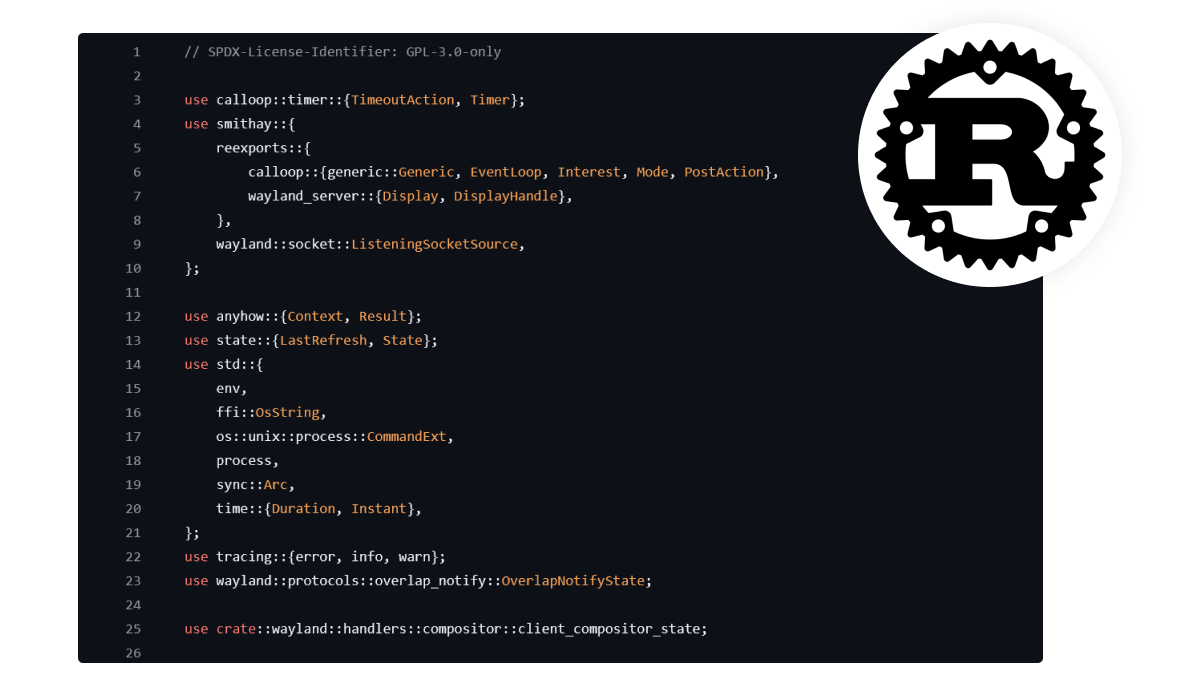
It validates that Rust can be used for large-scale GUI development.
Before COSMIC, Rust desktop development meant CLI tools, system utilities, or small applications. The largest Rust GUI projects were either experimental or limited in scope.
Now we know:
- Rust can handle complex GUI applications (not just CLI tools)
- The iced toolkit is ready for desktop-grade projects
- Memory safety doesn’t require sacrificing performance
- A small team (System76’s desktop team is under 20 people) can build a complete desktop environment
It breaks GTK/Qt’s twenty-year duopoly.
For 25 years, Linux desktop meant GTK or Qt, GNOME or KDE. COSMIC introduces a third path: written in Rust, based on iced, independent of both major toolkits.
I’m not saying COSMIC will replace GTK or Qt - that’s unrealistic. But it proves alternatives are viable. Other projects can now point to COSMIC and say: “Look, Rust desktop development works at scale.”
Who Should Try It?
Consider switching to Pop!_OS 24.04 if you:
- Want tiling window management without manual configuration
- Are frustrated by multi-monitor mixed DPI setups on other desktops
- Value customization and are tired of GNOME’s “our way or the highway”
- Want to run production-grade Rust infrastructure on your desktop
- Already use Pop!_OS (this is the upgrade you’ve been waiting for)
- Are a developer wanting a clean, fast environment (tiling is especially friendly for terminal-heavy users)
- Are frustrated by GNOME’s customization limits but not ready for KDE’s complexity
Final Thoughts
System76 spent three years proving something: rethinking desktop environments in a modern language is possible.
COSMIC 1.0 isn’t perfect - native apps are basic, documentation is sparse, some areas need polish. But as a first release, this stability is remarkable. I’ve seen mature desktop environments with more issues.
Most importantly, System76 has different incentives than community projects. They sell laptops and desktops pre-installed with Pop!_OS and COSMIC. Customers will demand bug fixes, feature additions, settings implementations. If System76 doesn’t deliver, they lose sales. That’s a forcing function for quality.
The future of Linux desktop might be more interesting than we imagined.
Found this article useful? If you’re interested in Rust or Linux desktop, don’t forget to like and bookmark for future reference. Share it with friends still struggling with NVIDIA drivers - you might save their sanity. Questions or thoughts? See you in the comments!