Python Finally Got Fast: JIT Compiler Makes Code Performance Take Off

Stop Saying Python is Slow
What’s the biggest pain point of writing Python? It’s not the syntax, not the ecosystem—it’s the speed. Every time you loop through numbers or iterate through a list, the interpreter has to “translate on the spot,” making Python look like an elegant but slow-motion translator.
You’ve tried various acceleration solutions: using NumPy for vectorized operations, rewriting hotspot code as C extensions, or switching to PyPy runtime. These solutions either require you to rewrite code or introduce additional dependencies and compatibility issues.
Python 3.15 brings a fundamental change to Python performance optimization: a native JIT compiler built directly into the CPython interpreter. No code changes needed, no runtime switching required—just add a parameter when compiling, and your Python code can achieve approximately 20% performance improvement. This boost isn’t magic; it’s CPython compiler technology working behind the scenes, compiling frequently executed code paths into machine code and bypassing interpreter translation overhead.
What is JIT and Why It Matters
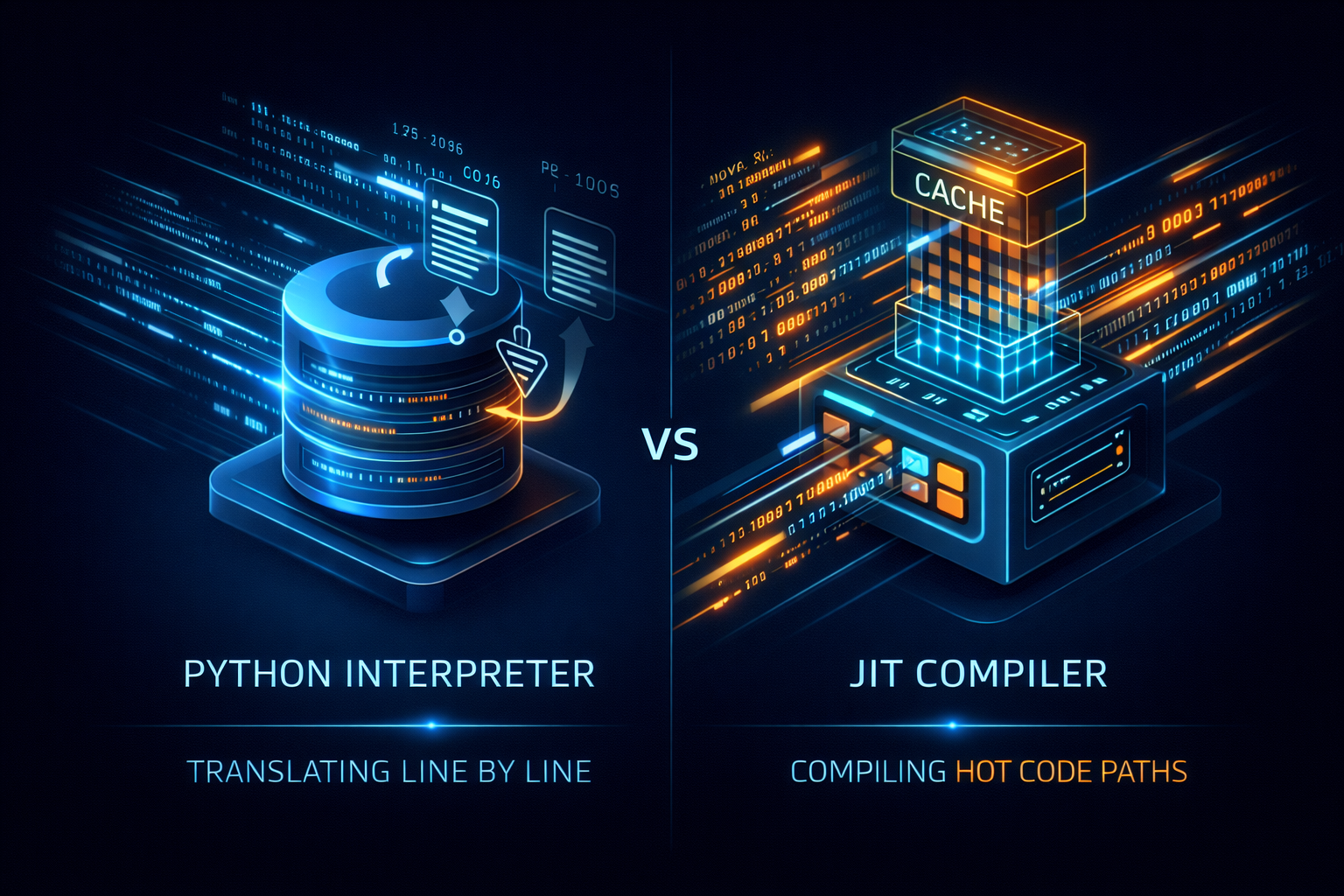 Figure: Left shows standard interpreter line-by-line translation, right shows JIT compiler identifying hotspots and caching machine code
JIT (Just-In-Time) compiler is like a smart stenographer. A regular Python interpreter translates and executes one line at a time, then forgets it. The JIT compiler observes how your code runs, pre-translates frequently executed “hot code” into machine code and caches it. Next time this code runs, it uses the ready-made machine code directly, skipping the translation step.
This acceleration isn’t uniform. The more your code fits the “predictable repeated computation” pattern, the more obvious the benefit. Numerical loops, data processing pipelines, algorithm-intensive tasks—these are where JIT delivers maximum power. The more your code resembles a calculator rather than a scripting language, the more significant the speed boost.
Enabling the JIT Compiler
JIT functionality is currently experimental and disabled by default. To use it, you need to compile Python from source with JIT enabled during configuration.
# Download Python 3.15 source code
wget https://www.python.org/ftp/python/3.15.0/Python-3.15.0.tgz
tar -xzf Python-3.15.0.tgz
cd Python-3.15.0

# Enable JIT during configuration
./configure --enable-experimental-jit
make -j$(nproc)
sudo make install
After compilation, you can control JIT on/off via environment variables:
# Enable JIT
export PYTHON_JIT=1
python your_script.py

# Disable JIT
export PYTHON_JIT=0
python your_script.py
Verifying JIT is Working
Write a small script to test JIT’s effectiveness:
from time import perf_counter
import sys

print("JIT enabled:", sys._jit.is_enabled())

WIDTH = 80
HEIGHT = 40
X_MIN, X_MAX = -2.0, 1.0
Y_MIN, Y_MAX = -1.0, 1.0
ITERS = 500

YM = (Y_MAX - Y_MIN)
XM = (X_MAX - X_MIN)

def iter(c):
    z = 0j
    for _ in range(ITERS):
        if abs(z) > 2.0:
            return False
        z = z ** 2 + c
    return True

def generate():
    start = perf_counter()
    output = []

    for y in range(HEIGHT):
        cy = Y_MIN + (y / HEIGHT) * YM
        for x in range(WIDTH):
            cx = X_MIN + (x / WIDTH) * XM
            c = complex(cx, cy)
            output.append("#" if iter(c) else ".")
        output.append("\n")
    print("Time:", perf_counter()-start)
    return output

print("".join(generate()))
Run this script and you’ll see JIT enabled is about 20% faster than disabled. The magnitude of improvement depends on code patterns; compute-intensive tasks see more obvious effects.
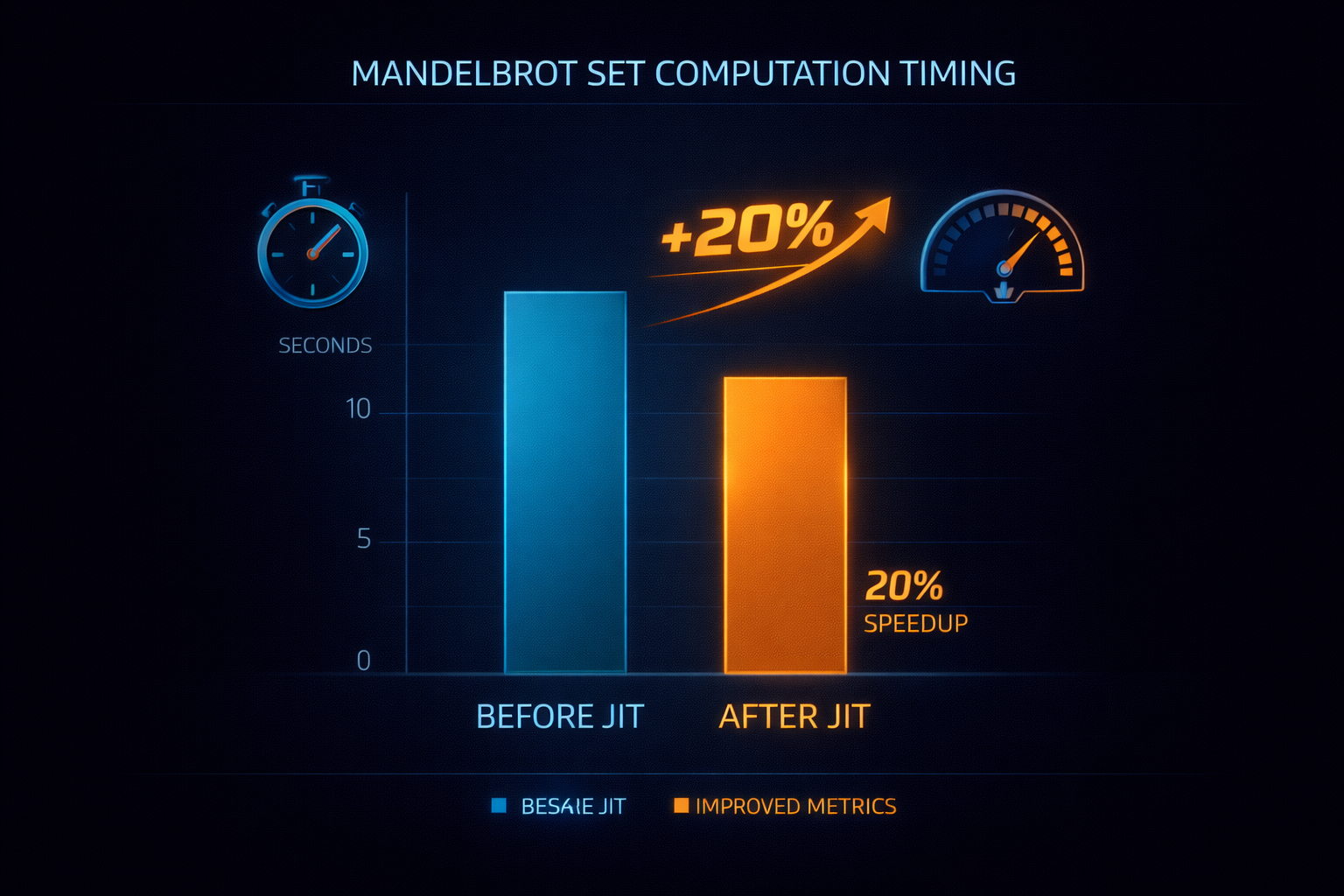 Figure: With JIT enabled, compute-intensive tasks achieve approximately 20% performance improvement
Which Code Suits JIT
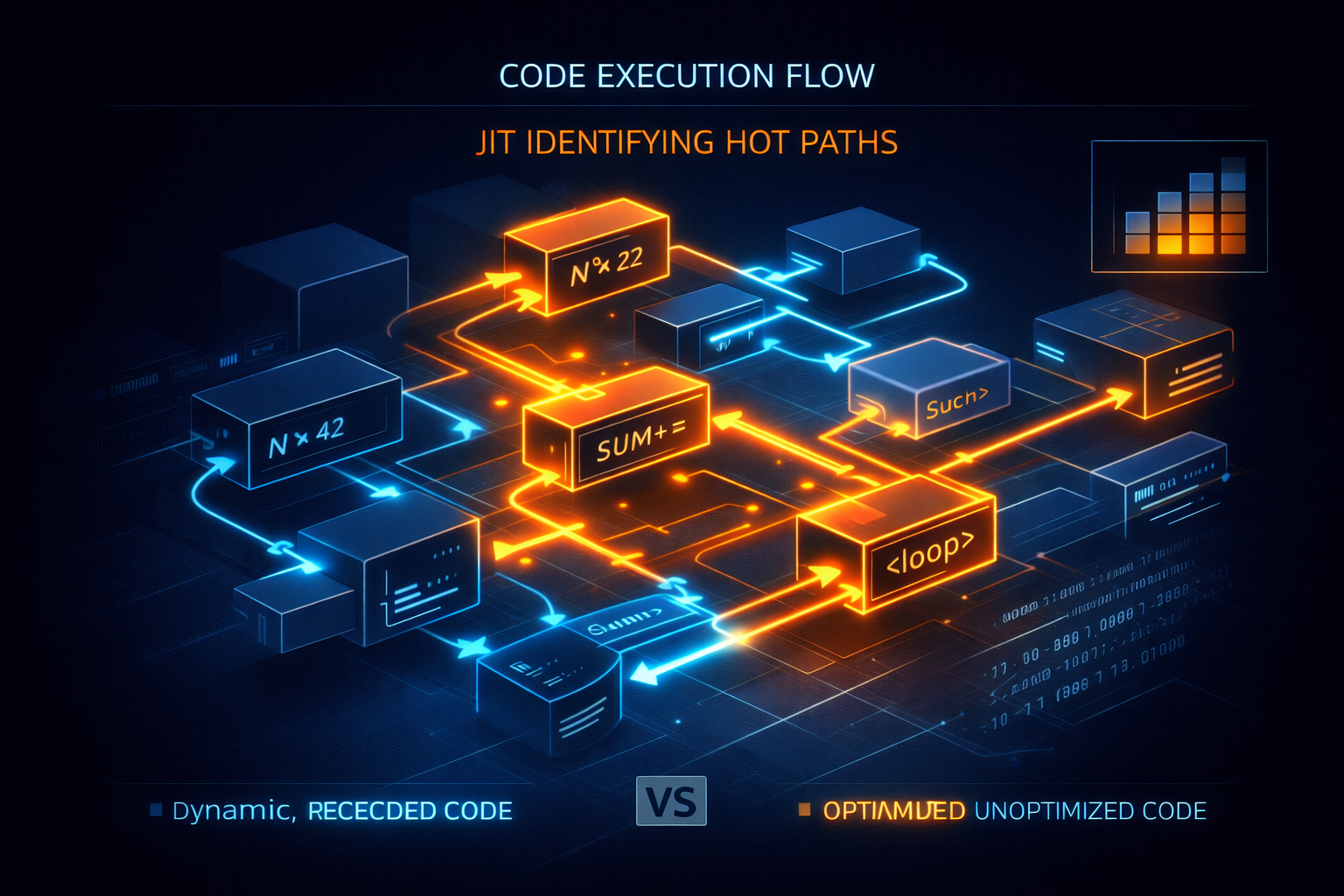 Figure: JIT compiler identifies and optimizes hotspot code paths (orange), dynamic code remains interpreted (blue)
JIT isn’t a universal accelerator; it likes stable, predictable code patterns. Numerical computation, loop processing, data transformation—these scenarios see maximum benefit. The clearer your code structure, the more stable the execution paths, the easier JIT can optimize.
If your code is full of dynamic features—frequently changing types, dynamically generated code, heavy recursive calls—JIT can do limited things. Execution paths of such code change every second, making it hard for the compiler to predict and optimize. This isn’t a flaw in JIT; it’s the cost of Python’s dynamic nature.
When to Use JIT
At this stage, JIT is still an experimental feature, suitable for trying out and testing. If your production environment pursues ultimate stability, wait a bit. According to Python community planning, if JIT performs well in version 3.15, versions 3.16 or 3.17 might enable it by default.
For fields like data science, scientific computing, financial modeling, JIT is worth trying immediately. Code in these scenarios is usually compute-intensive and structurally stable, perfectly matching JIT’s optimization direction. Backend services that include numerical conversion or data processing when handling requests might also see benefits.
Key Takeaways
JIT pushes Python from “pure interpretation” toward “hybrid execution”: interpret when flexibility is needed, compile when speed is needed. This isn’t about changing Python’s dynamic nature, but giving it an additional execution strategy.
Remember three key points: JIT optimizes hotspot code; the more stable the code, the greater the benefit; currently an experimental feature requiring source compilation to enable; performance improvement is about 20%,具体取决于代码模式。
Your next step: If you have compute-intensive Python scripts, try compiling a JIT-enabled Python version and see the actual results. If performance improvement is significant, consider deploying in a test environment. If no effect, analyze whether your code pattern doesn’t suit JIT optimization.
Found this article helpful?
- Like: If you found it helpful, give it a like to let more people see it
- Share: Share it with Python developer friends who might need it
- Follow: Follow Rex AI Programming to not miss more practical technical articles
- Comment: What performance optimizations do you usually do with Python? Welcome to share experiences in the comments
Your support is my biggest motivation for continuous creation!